Wan's TodoList : complete and refined todo list in React
Wan's TodoList: complete and streamlined task management application in React (March 2025)
Context and objectives
As part of a semester 4 project for the Computer Science BUT, I developed an advanced Todo List application in React. Beyond a simple list of tasks, I wanted to create a complete tool with a powerful filtering system, a calendar visualization, and total privacy thanks to local storage.
The application is indeed entirely stored locally via the browser's LocalStorage. No data is sent to the server, thus guaranteeing total privacy. The project was also an opportunity to demonstrate my mastery of React and the creation of complex web applications.
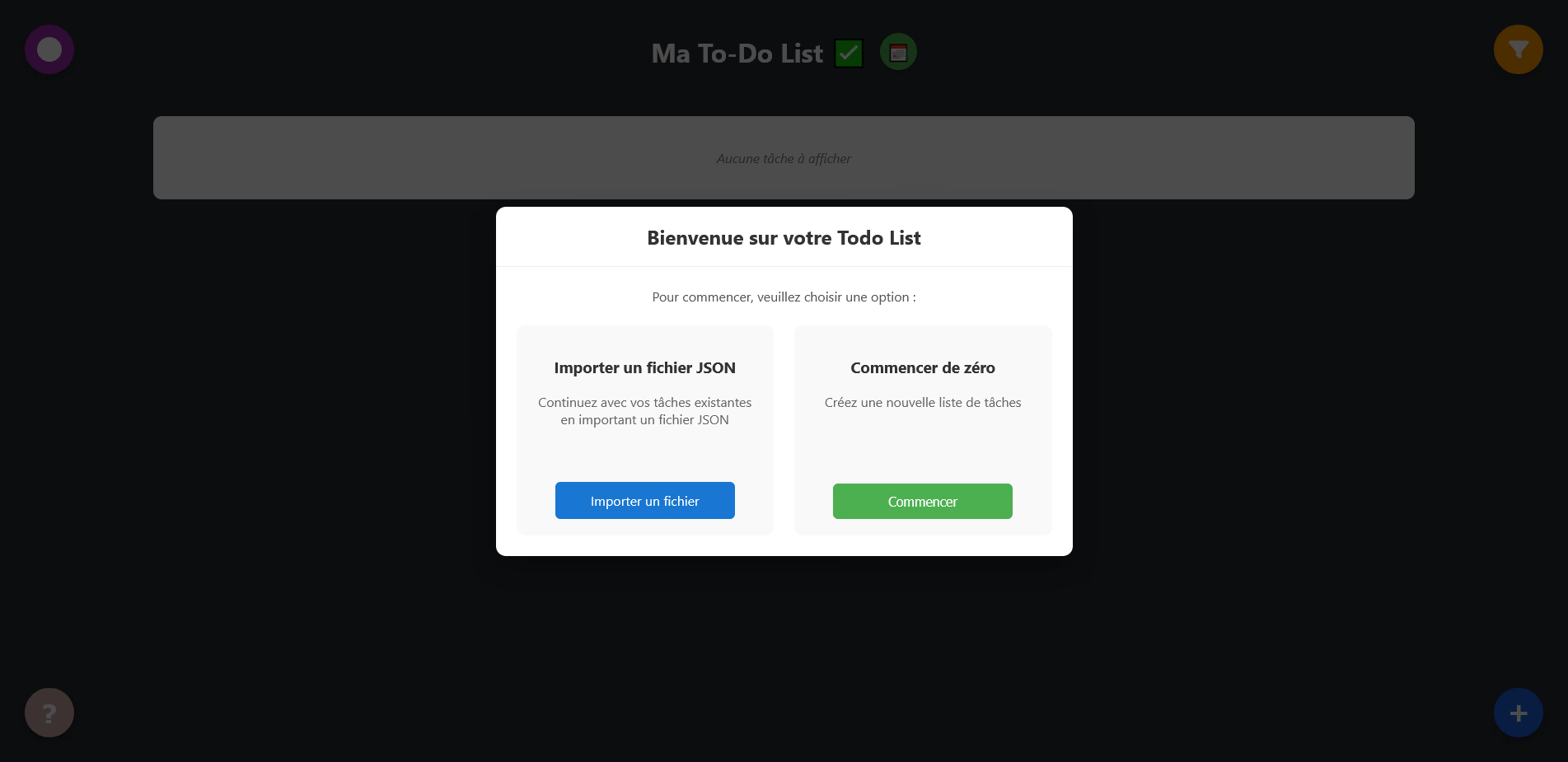
Principal interface of the application with display of tasks and categories
Main features
The application offers a complete set of features to efficiently manage daily tasks.
Complete task management
The system allows creating, modifying, and deleting tasks easily. Each task can contain a title, a detailed description, a due date, and associated contacts. Completion marking is done with a simple click with a clear visual indicator.
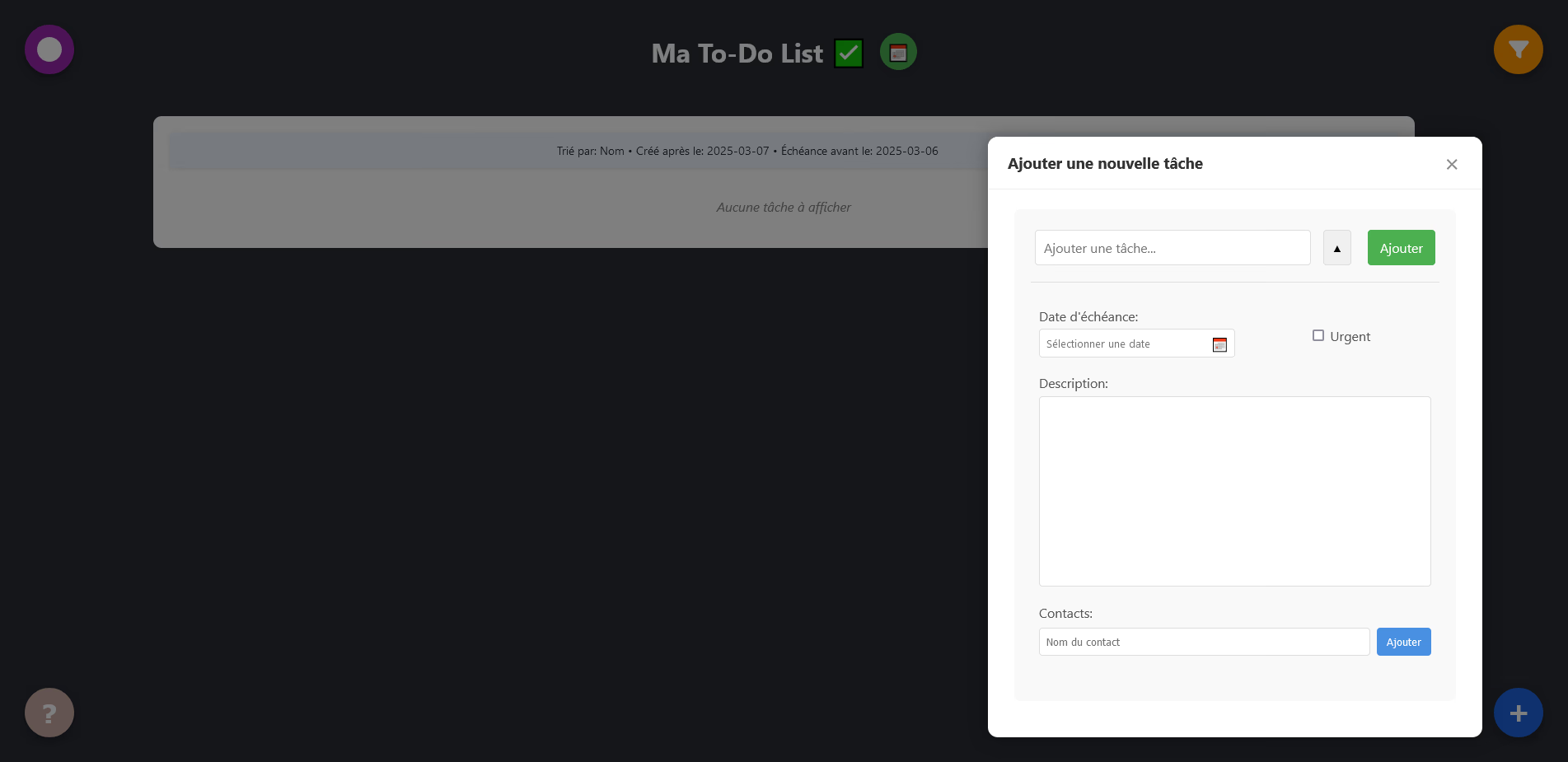
New task addition modal with all available fields
Customizable category system
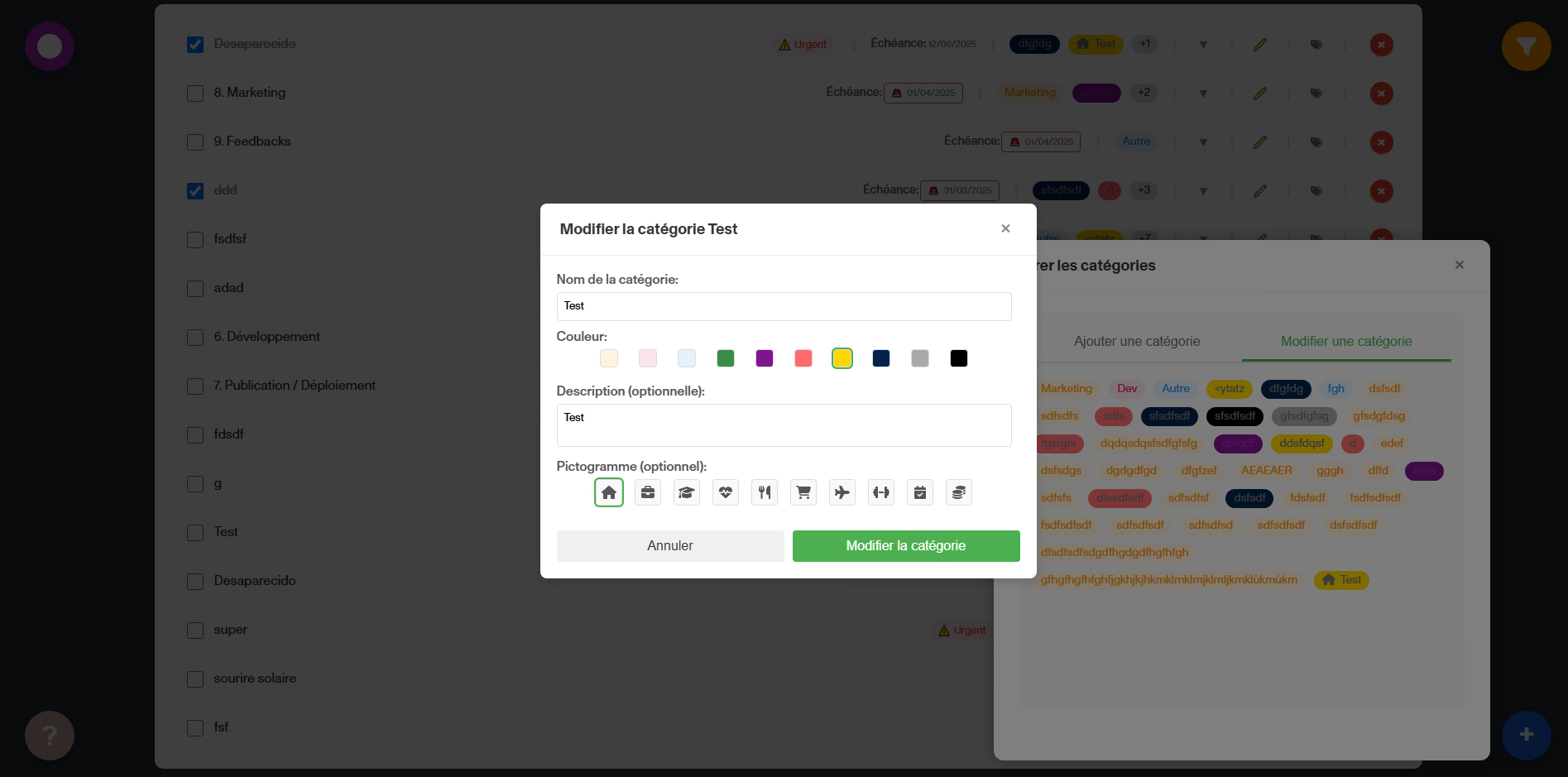
Categories allow organizing tasks visually. Each category has a customizable name and a color chosen from a complete palette. Categories can be associated with multiple categories, displayed as colored badges.
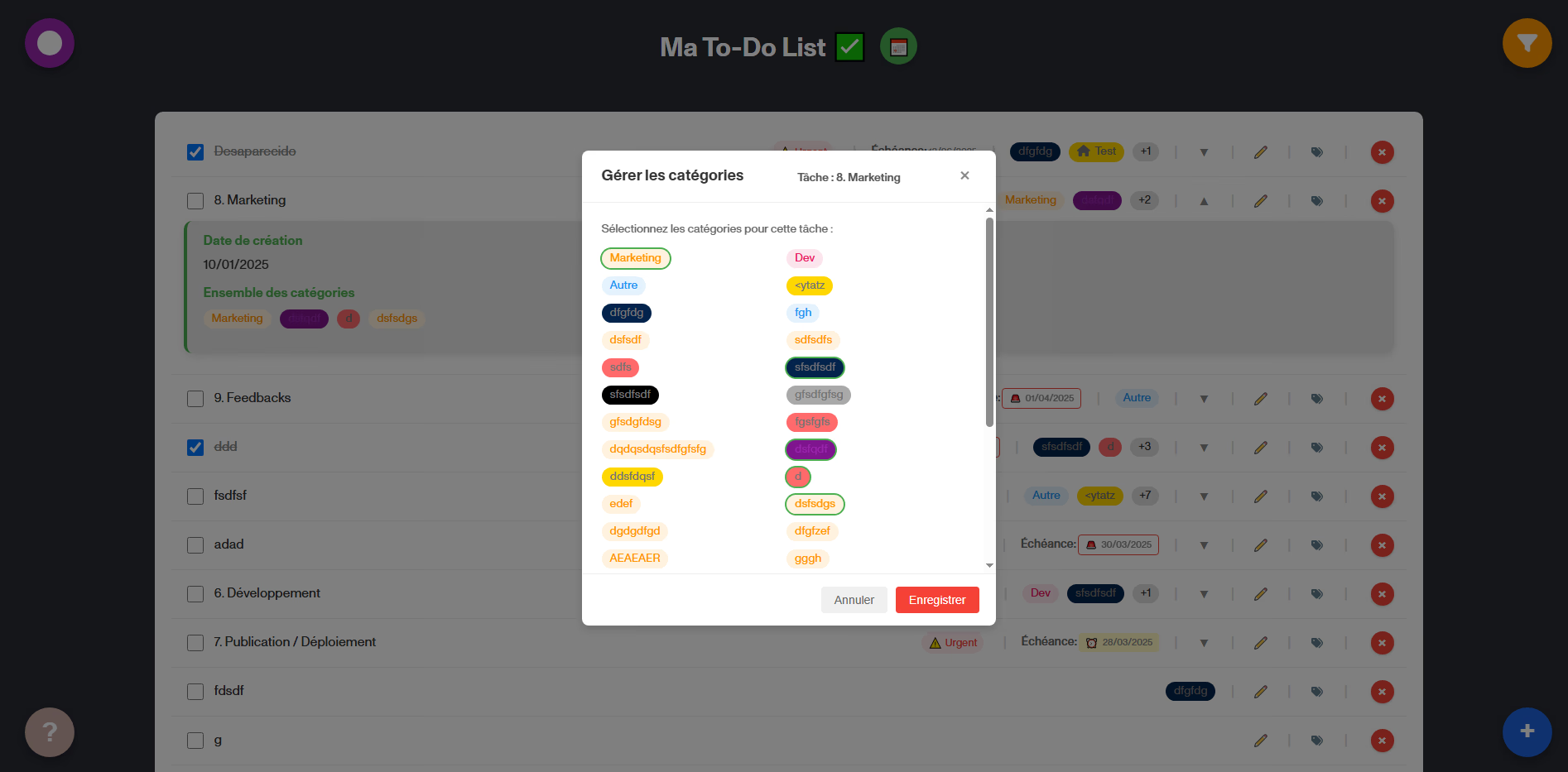
Category management interface accessible from a task
Advanced filtering and sorting
The filtering system is particularly complete and allows combining several criteria simultaneously:
- Filter by status: all tasks, not completed or completed only
- Filter by creation or due date
- Filter by selected categories
- Filter by contacts
- Text search in title and description
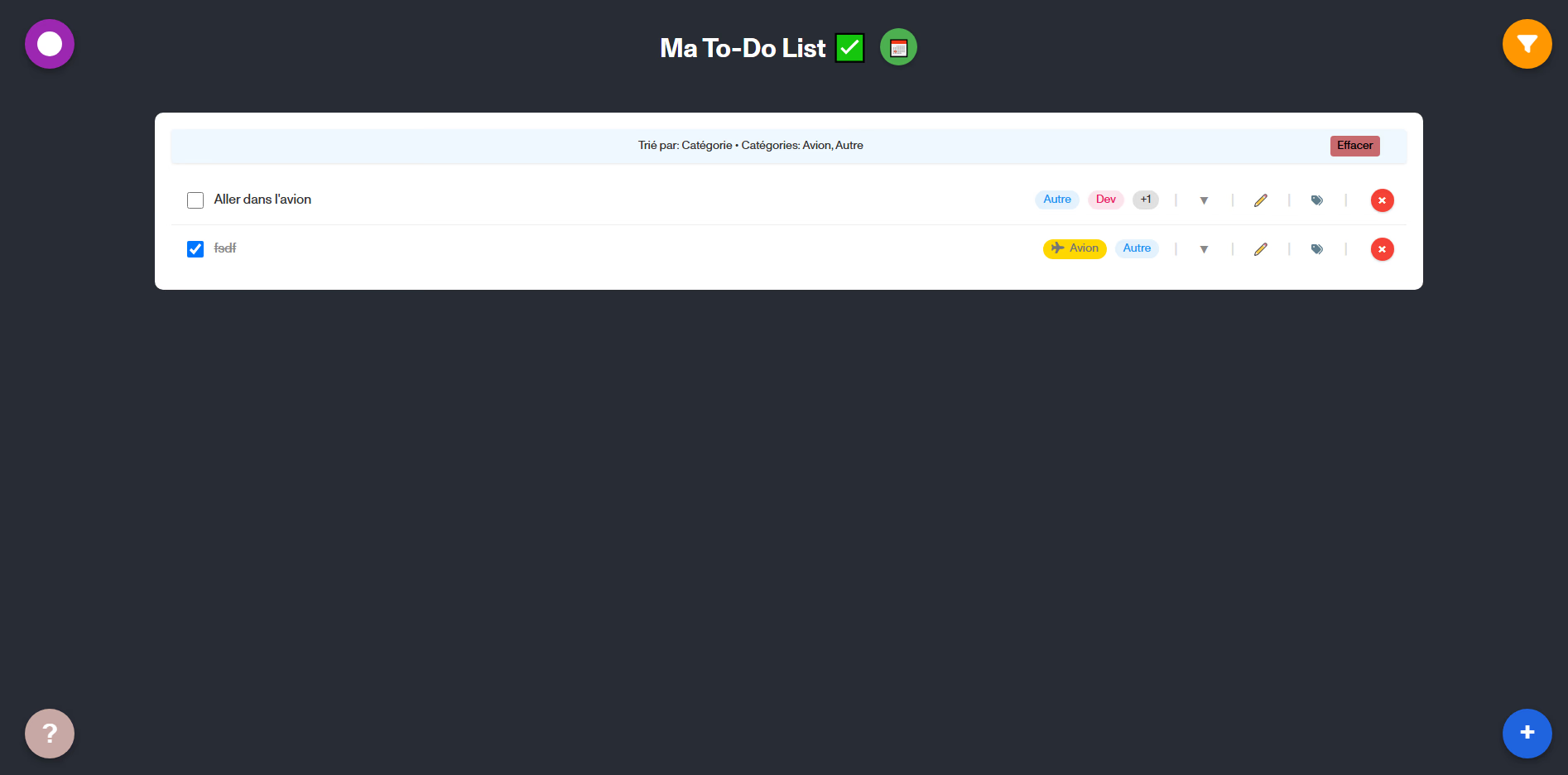
Active filters are displayed as badges, easily removable individually or globally.
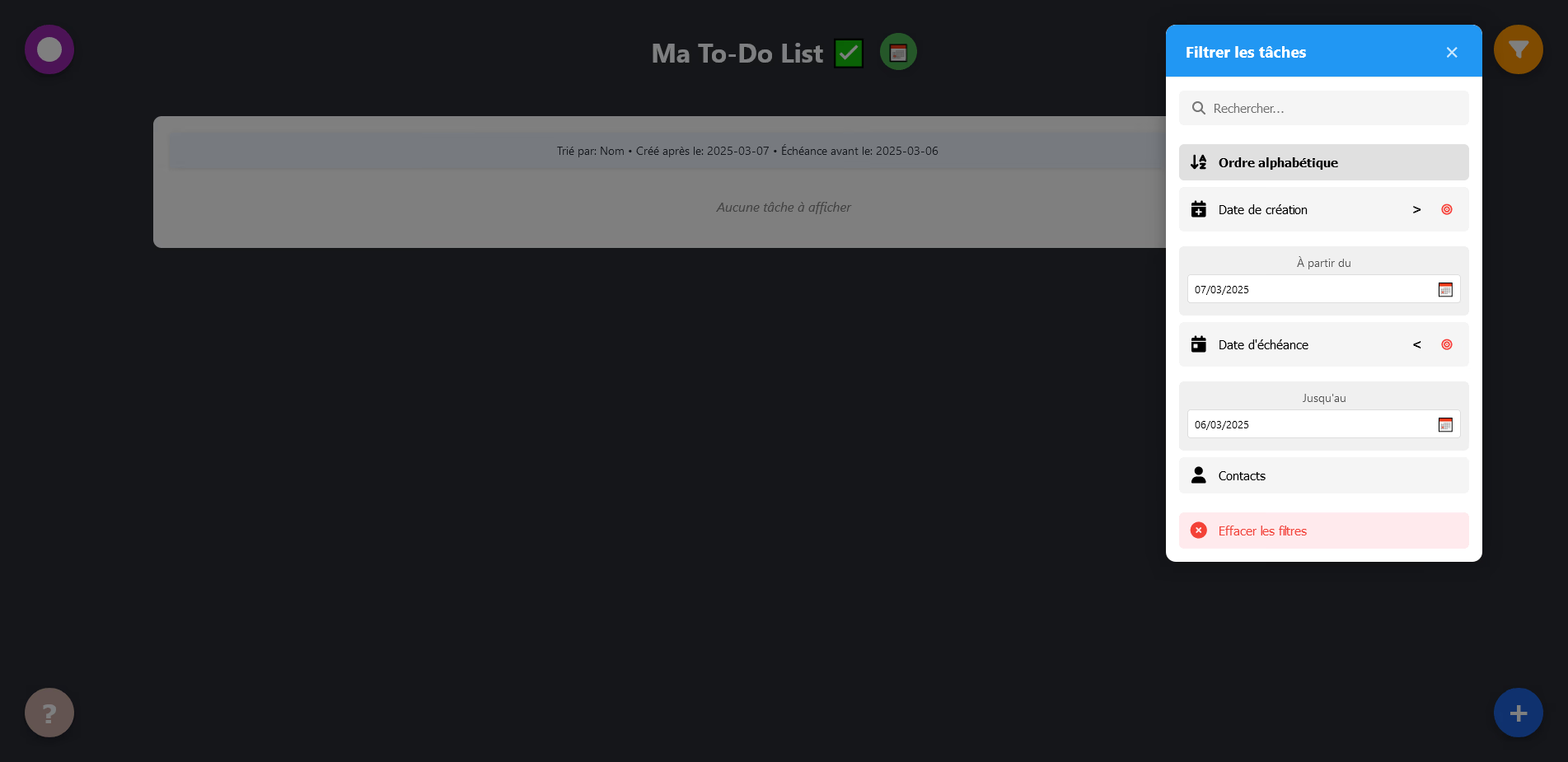
Use of several combined filters to refine the search
Calendar view
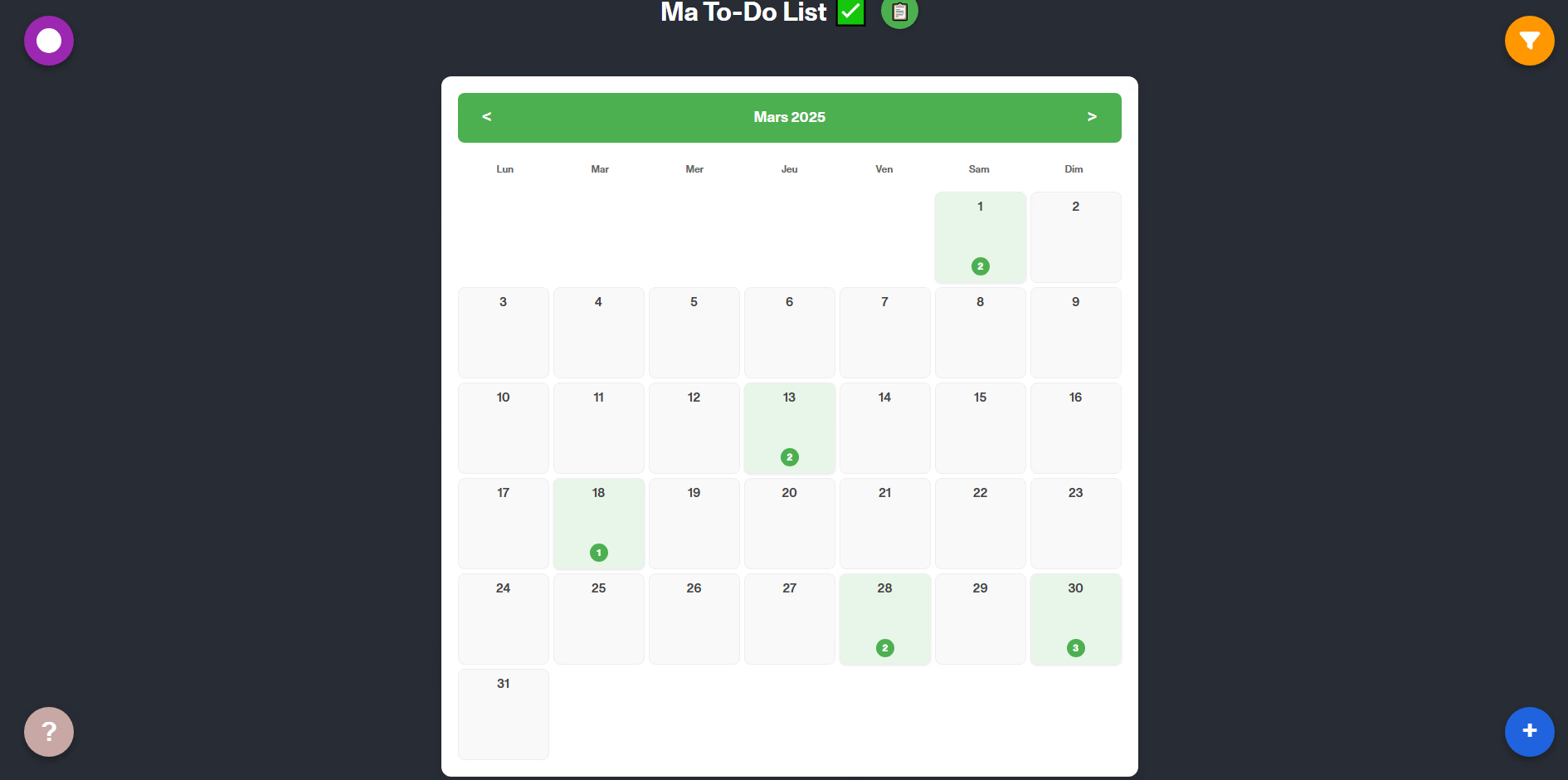
The calendar visualization offers a monthly perspective of upcoming tasks. Each day displays a counter of planned tasks. By clicking on a day, a modal presents the complete list of tasks with direct editing possibility.
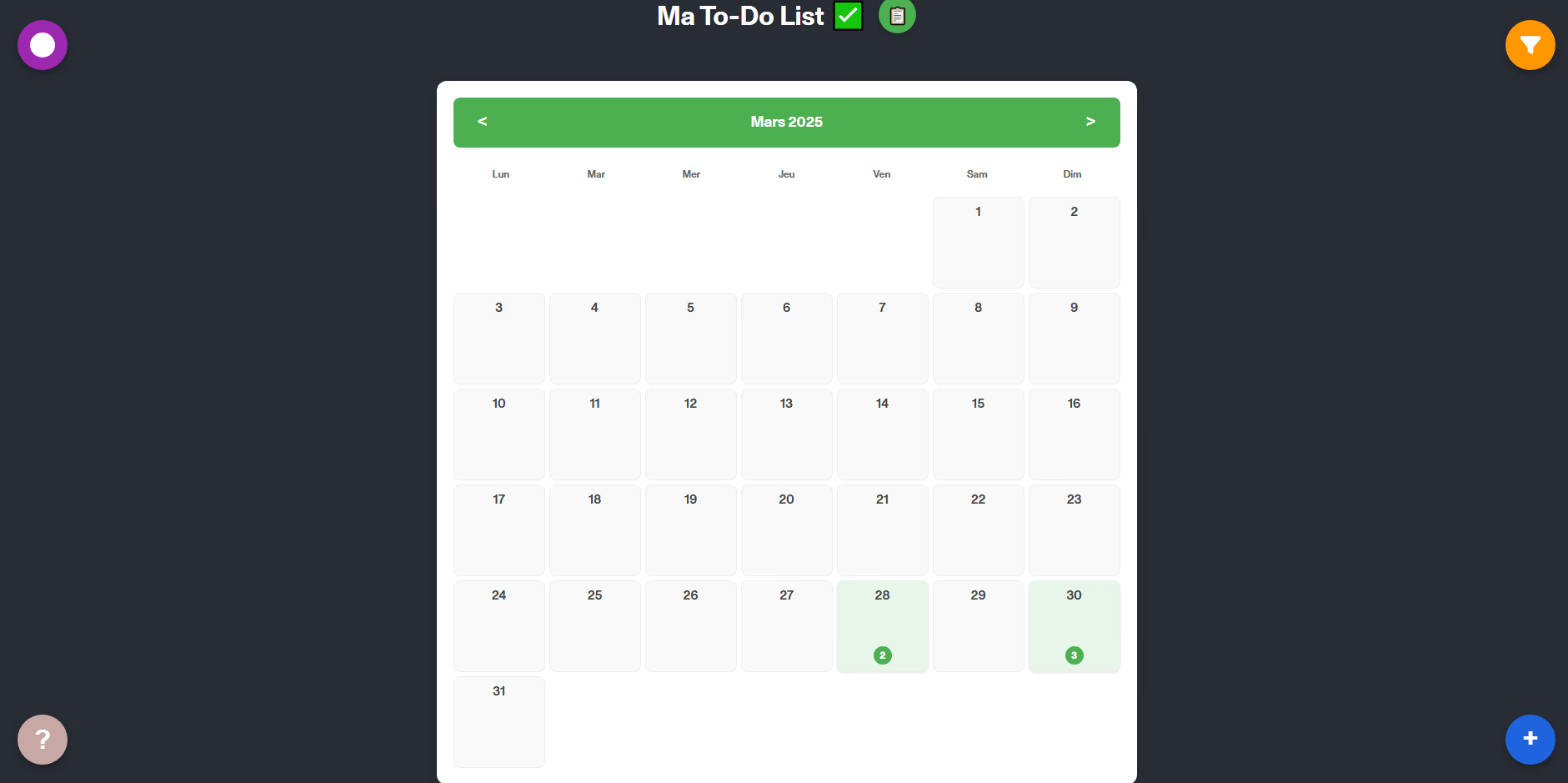
Monthly calendar display with upcoming tasks
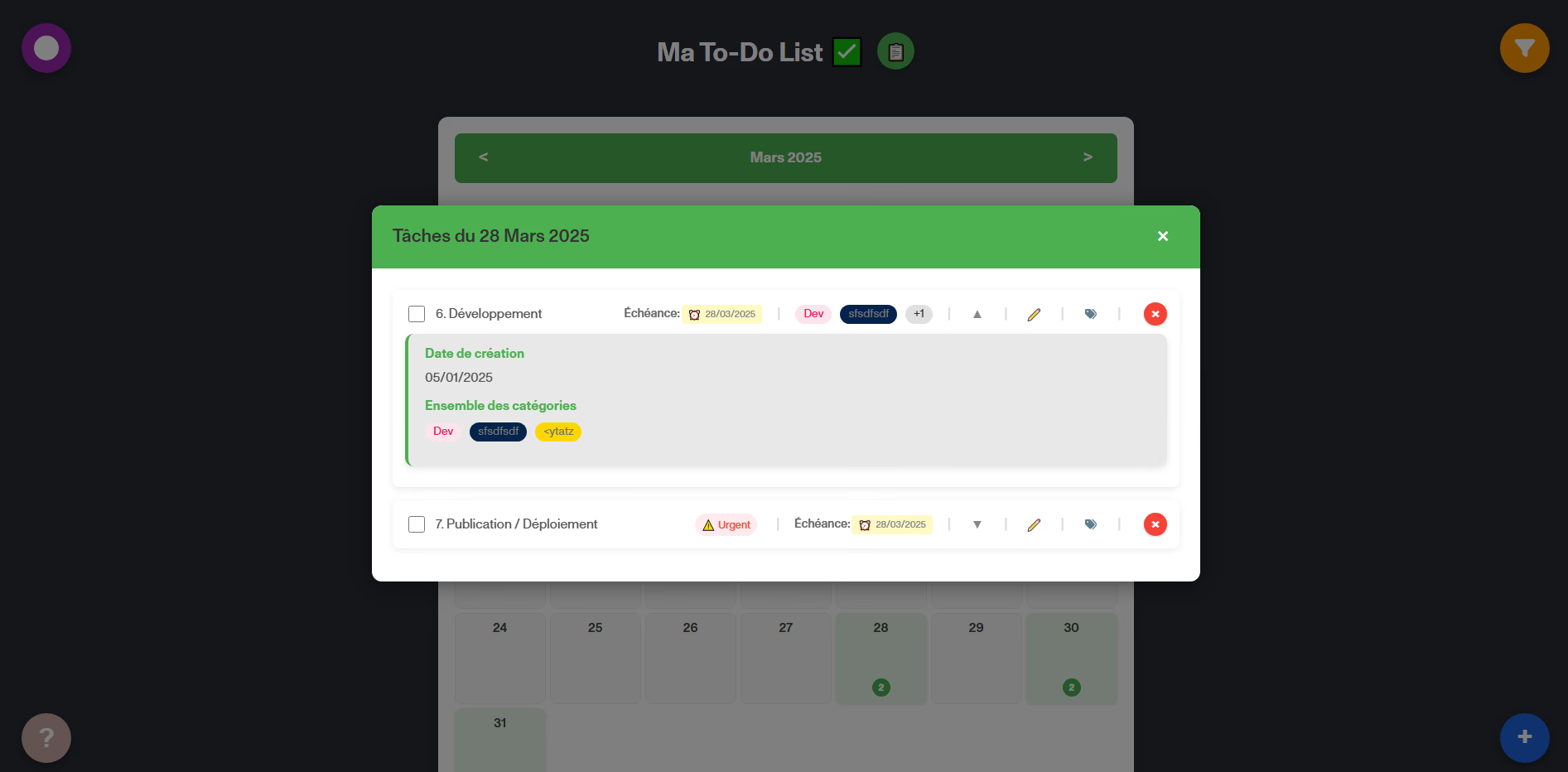
List of tasks for a selected date in the calendar
Intelligent visual alerts
The alert system visually warns the user according to task urgency:
- Red border and hourglass icon for deadlines within less than 7 days
- Specific display for recently exceeded deadlines
- Distinct style for very old tasks
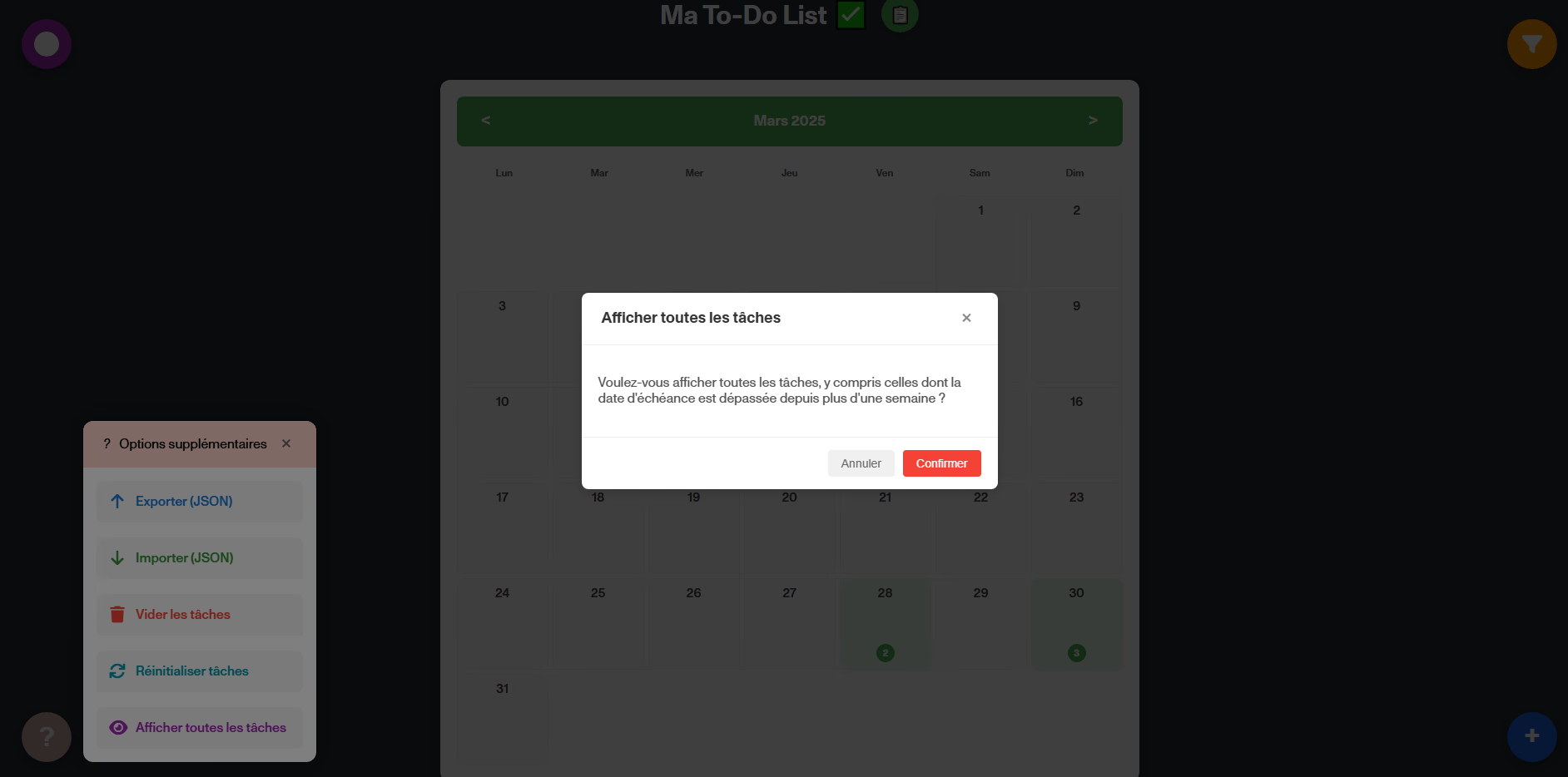
An option allows showing or hiding tasks whose deadline is largely exceeded (more than 7 days).
Data management
Data persistence relies entirely on the browser's LocalStorage. Saving is automatic and instant upon every modification.
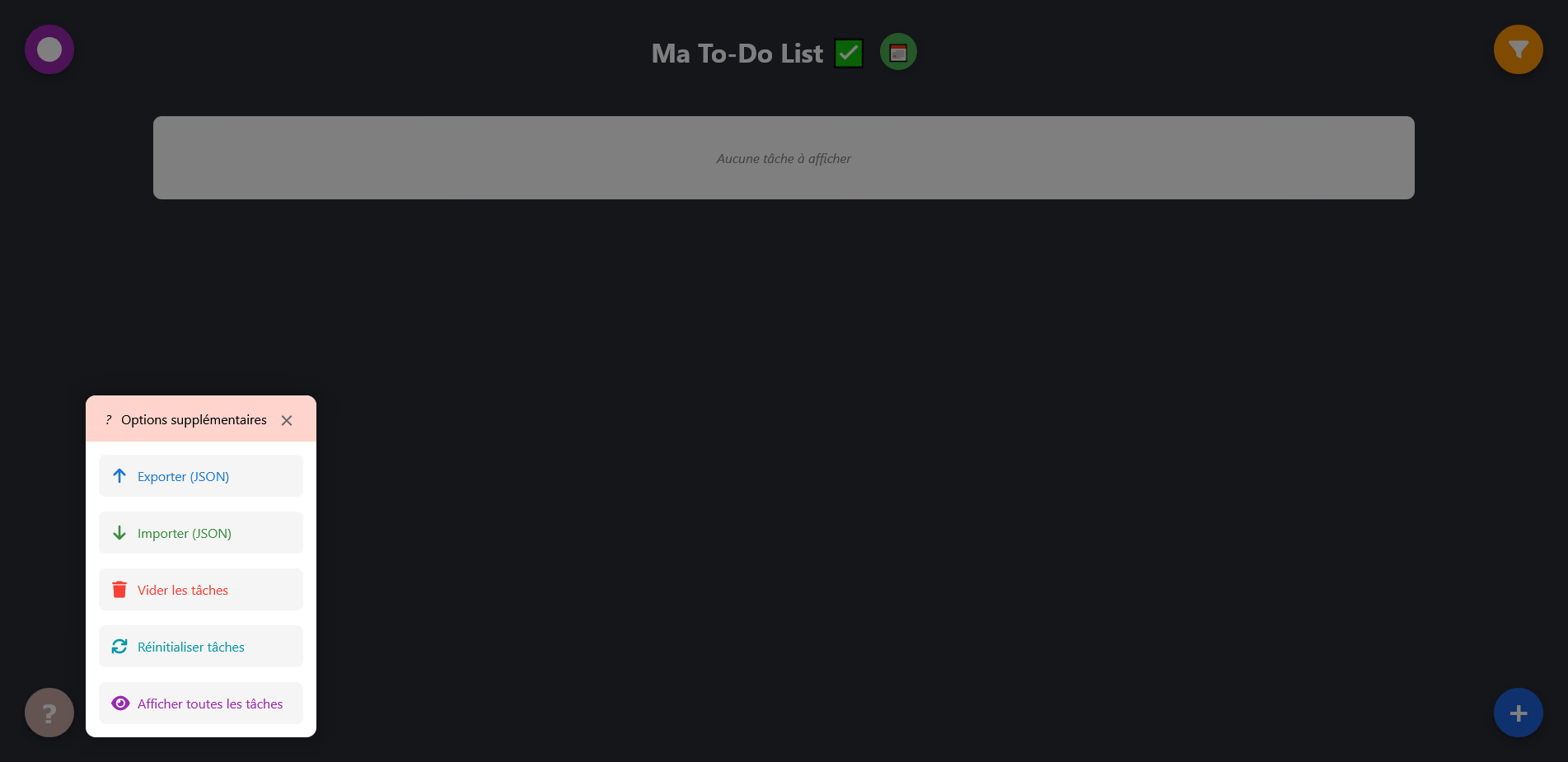
Options menu with export, import, and reset
The application offers several management features:
- Export to JSON format: complete backup of tasks, categories, and relations
- Import from a JSON file: restoration with format validation
- Reset: return to default data for demonstration
- Complete clearing: deletion of all tasks
At first launch, a welcome modal proposes starting with blank data or a dataset of examples.
Technical architecture
The project follows a modular architecture with a clear separation of responsibilities:
State management relies entirely on React Hooks (useState, useEffect) to maintain consistency between components. The project, massive, counts more than 25 React components and about 3000 lines of code, which shows the clear separation of code into numerous components.
Technical challenges overcome
Complex state management
The application manages multiple interdependent states: tasks, categories, relations, active filters, and modal states. Synchronization between these states required a thoughtful architecture to avoid inconsistencies.
Combined filtering system
The filtering implementation allows combining all criteria simultaneously with real-time updates. The combination logic (equivalent to a logical AND between filters) guarantees relevant results.
Date calculations
Date utilities detect near, recently exceeded, or very old deadlines. The consistent DD/MM/YYYY formatting adapts to the display context.
Envisioned improvements
Several evolutions are conceivable to enrich the application:
- Site responsiveness
- Push notifications for deadlines
- Light mode
- Statistics and dashboards
- Regular tasks system
- Integration with Google Calendar or Outlook (ical files)
Gallery
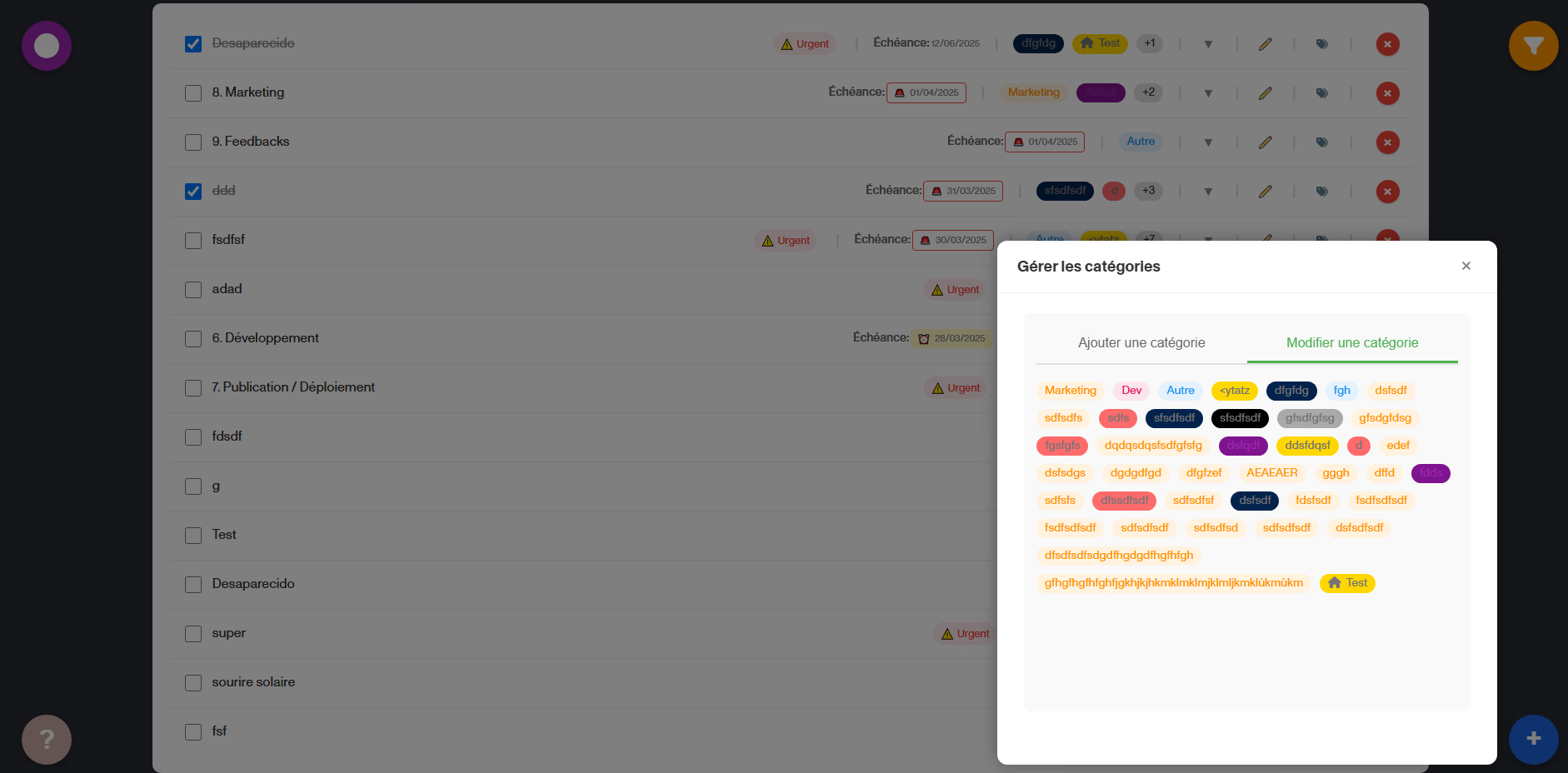
Detailed view of a task