
Products and users API of an agricultural coop
Presentation of the Anarchy Acres Cooperative Products and Users API (March - April 2025)
Context
As part of an R4.01 Software Architecture project, we each had to create a part of a website according to the following architecture:
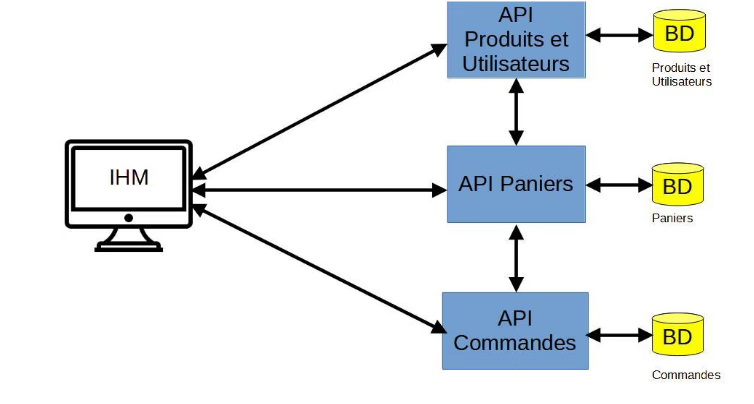
Diagram of the architecture to implement. Each DB is separated, and each API as well.
I was in charge of implementing the products and users API. The website concerned an agricultural cooperative wishing to sell its products directly via a platform available on the Internet.
The implemented API is in JakartaEE Glassfish. It relies on a strict layered architecture. The Resource Layer (JAX-RS) exposes REST endpoints and delegates processing to the Service Layer, which contains the business logic. Data is persisted via the Repository Layer (JDBC) which communicates with the MariaDB database, using entities defined in the Model Layer (Product, Type, Unit, User).
Implementation
Simple JSON Calls
The API allows managing the entire product catalog via standard JSON stream exchanges. Here are the main implemented functionalities:
| Domain | Functionalities | Technical Details |
|---|---|---|
| Consultation | Data reading | Retrieval of product lists, product types, and units of measure, or retrieval by unique ID. |
| Search | Dynamic filtering | Textual search of products by their name via query parameter. |
| Editing | Creation and Modification | Addition of new products/types (POST) and update of existing ones (PUT) with data validation. |
| Deletion | Cleanup | Deletion of database entries via the DELETE method. |
| Enrichment | Data Mapping | The "Product" objects are automatically enriched with complete "Type" and "Unit" objects during serialization. |
Remote Deployment
I deployed my API on a VPS in order to have complete flexibility regarding it. I used an Oracle VPS for this purpose, configuring it from A to Z.
For the needs of this online launch, security has been added and only GET calls are usable. Please be careful not to overuse my API!
Image Serving
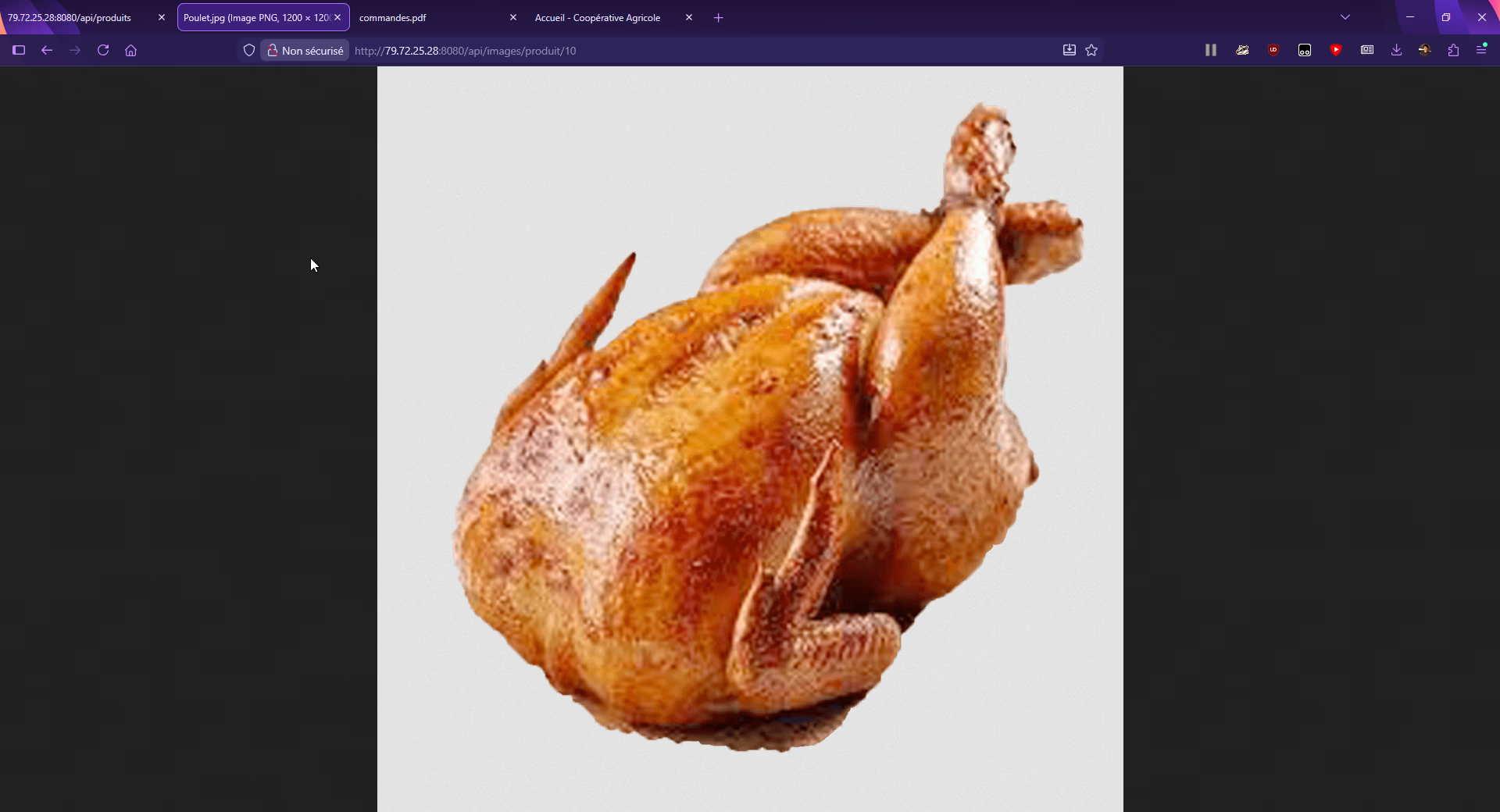
Enabled by the remote deployment, image management does not go through the database (storage as BLOB) but through the server's file system to optimize performance.
-
Reception: The
ImageResourcecontroller intercepts the GET request targeting a product ID. -
Metadata: The service first queries the database to validate the product's existence and retrieve its normalized name.
-
Resolution: The system constructs the file path on the VPS disk (ex:
/var/coop-images/ID_NAME.jpg). -
Fallback: If the specific file is not found, the service attempts to serve a generic default image before returning an error.
-
Streaming: The binary file is returned with the appropriate MIME type (ex:
image/jpeg).
Table of Possible Calls
Here is the exhaustive list of endpoints exposed by the API on the production server.
| Method | Complete URL | Description | Expected Return |
|---|---|---|---|
GET | https://79.72.25.28:8080/api/produits | Lists all products | JSON Array (Products) |
GET | https://79.72.25.28:8080/api/produits/{id} | Detail of a specific product | JSON Object (Product) |
GET | https://79.72.25.28:8080/api/produits/search?nom={x} | Search by name | JSON Array (Products) |
GET | https://79.72.25.28:8080/api/types | Lists all types (categories) | JSON Array (Types) |
GET | https://79.72.25.28:8080/api/types/{id} | Detail of a type | JSON Object (Type) |
GET | https://79.72.25.28:8080/api/unites | Lists all units of measure | JSON Array (Units) |
GET | https://79.72.25.28:8080/api/images/produit/{id} | Downloads the product image | Binary (Image/JPEG) |
POST | https://79.72.25.28:8080/api/produits | Adding a product (JSON Body) | 201 Created |
PUT | https://79.72.25.28:8080/api/produits/{id} | Modifying a product | 200 OK |
DELETE | https://79.72.25.28:8080/api/produits/{id} | Deleting a product | 204 No Content |
POST | https://79.72.25.28:8080/api/images/produit/{id} | Upload of an image (Binary) | 200 OK / 201 Created |
Examples of GET Calls
Here is a list of direct URLs to test the read endpoints available on the production server:
Products
-
Retrieve the complete list:
-
Retrieve a specific product (ex: ID 1):
-
Search for a product by name (ex: "Tomato"):
-
Display debug info for a product:
Types (Categories)
-
Retrieve all types:
-
Retrieve a specific type:
Measurement units
-
Retrieve all units:
-
Retrieve unit 1:
Images
-
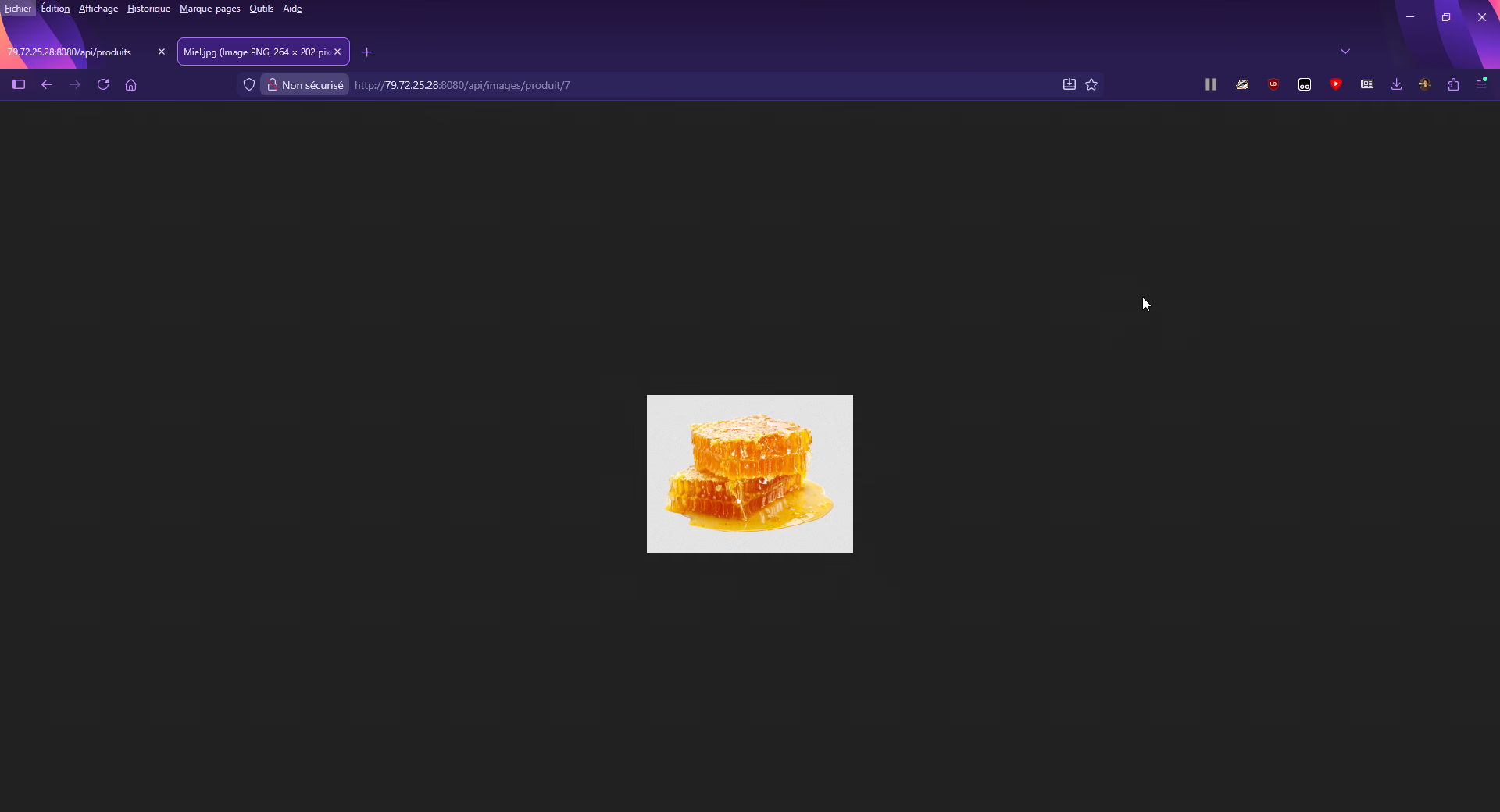
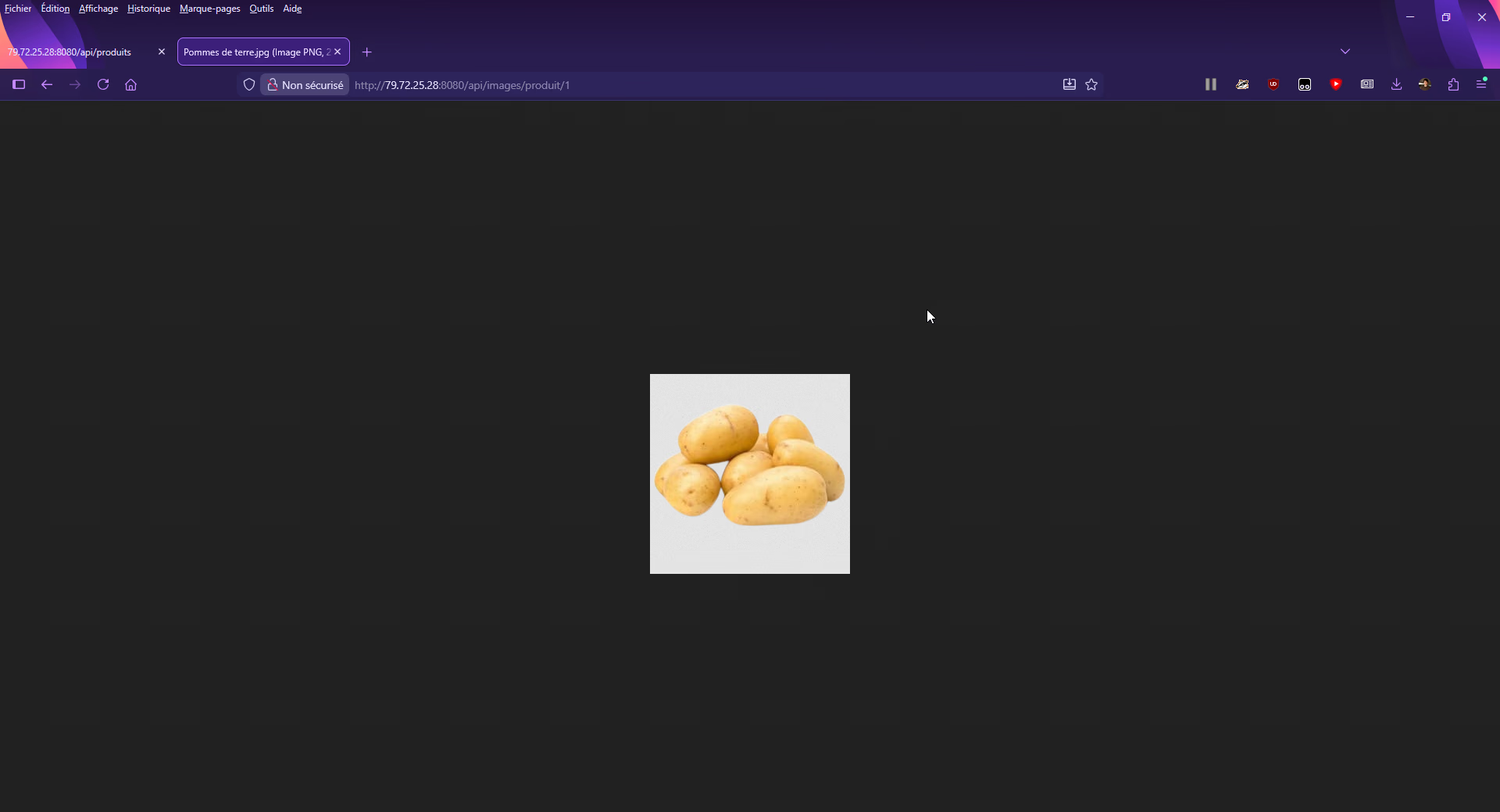
Display/Download a product image (direct rendering in the browser):
This project was carried out as a team with several developers, including my colleague Nassim Buchmuller. To discover a different and complementary perspective on our shared work, you can view the project presentation on his portfolio by clicking here.
Gallery
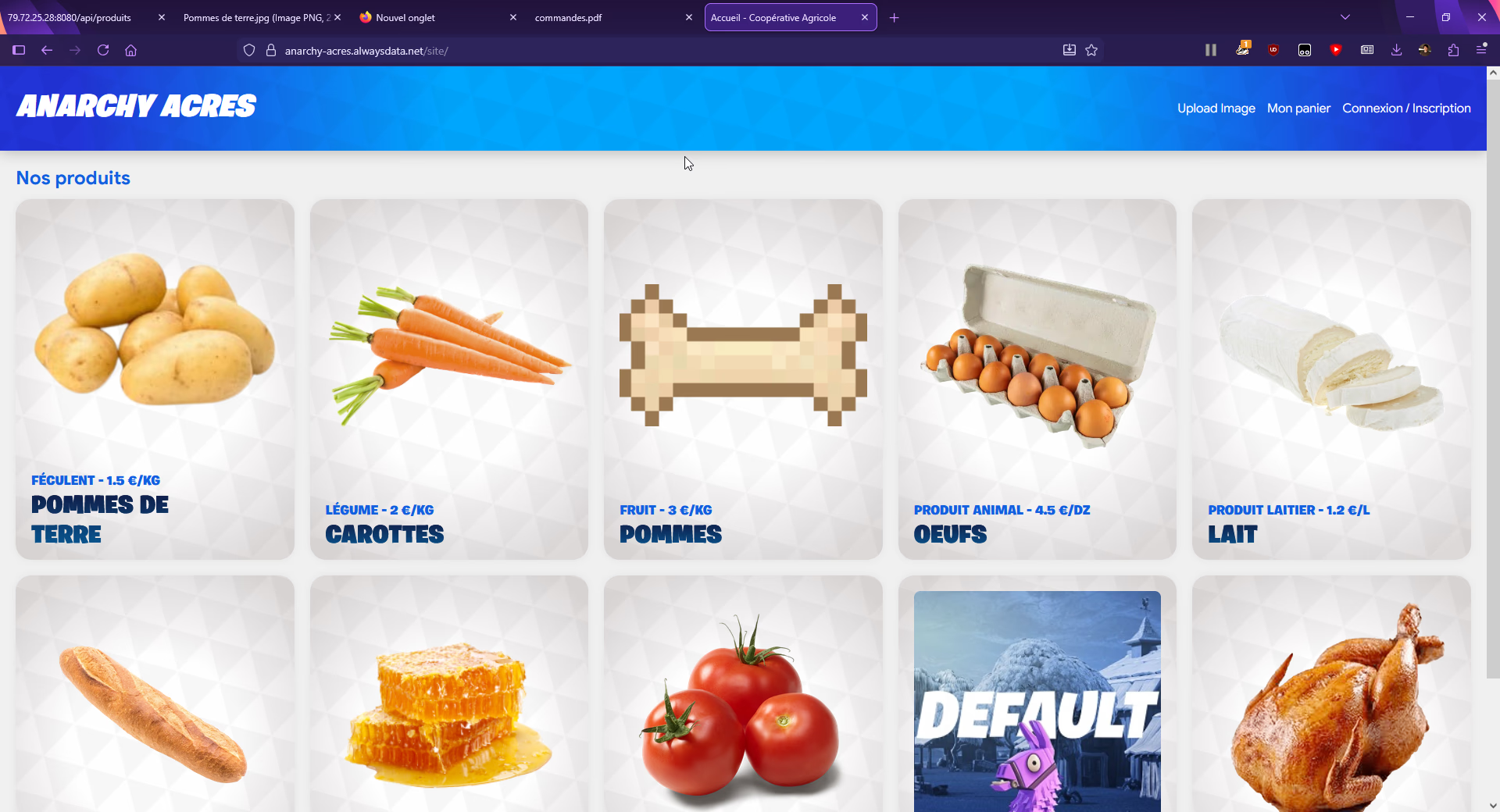

Site homepage